Know where every part is — without walking the floor.
The program already knows the operations of every part and how long each should take. Add one tap from the operator at each STOP, and the plant sees its real progress, its machine load and when a new order can ship.
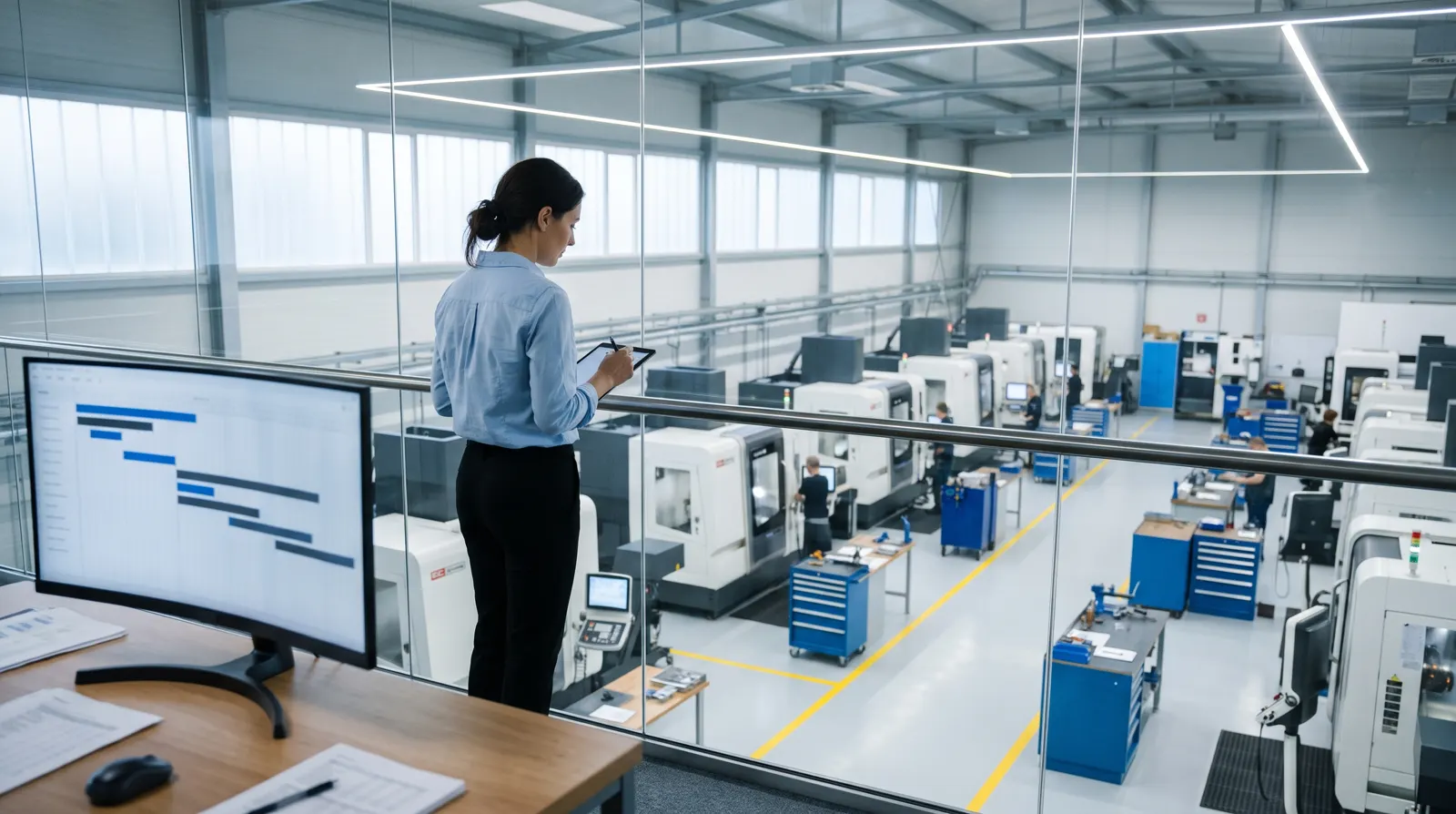
The operator taps once. The plant knows.
Operators already stop at each STOP to change the tool — the natural checkpoint. The tablet shows the task, the setup sheet and the next operation; “Operation done” is one tap, and the time is recorded by itself.
Readiness in percent, measured by work done
A part's progress is its finished operations weighted by their time estimate — not a guess from the floor. Machine load by day and week, overdue orders and risks update on their own.
A new order? See the ship date and what moves.
Put a new order into a machine's plan and Metallovy shows when it can ship and which orders shift. That is the answer to the customer's question — and to whether to take the order at all.
After each job, the estimate is compared with the actual time, so the next estimate is closer.
Three levels, starting with the simplest.
By hand
The operator marks the operation on the tablet at the machine.
One tap
The program is split into operations between STOPs in advance; the operator confirms and the time is recorded.
From the control
Program and line from the CNC through the Heidenhain DNC interface, or a simple spindle sensor.
Everyone sees their own part of it.
Every action goes into the log: who, what and when.
Engineer
Orders, drawings, holes, programs, tool library and time estimates.
Operator
Own tasks at the machine: setup sheet, program, “operation done” in one tap.
Management
All orders and their readiness, machine load, due dates and risks — without technical detail.
Administrator
Users, machines, settings and what may be sent to the AI.
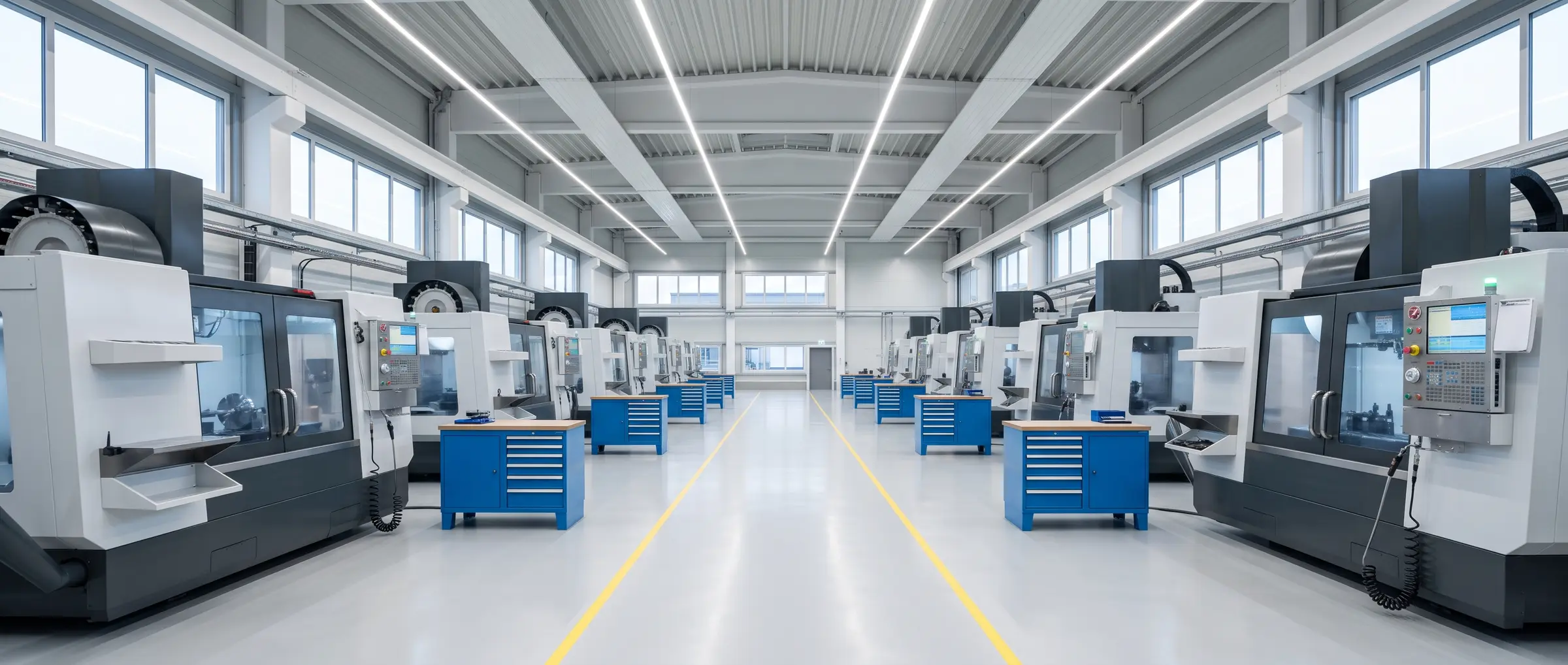
See your own plant in it.
We show the plant view on a demo plant, then set it up with your machines and a few real orders during the pilot.